I’m using Hyper-V for this. Your mileage will vary. This post assumed Ubuntu 25.10, but these problems could be GNOME 49’s own so you might experience it on other linux distros that uses GNOME 49 as well.
Settings to Remote login / Desktop Sharing (RDP) hangs out of he box
When I entered “System -> Remote Desktop” under Settings app (on Hyper-V) in the first boot right after installation, it will hang
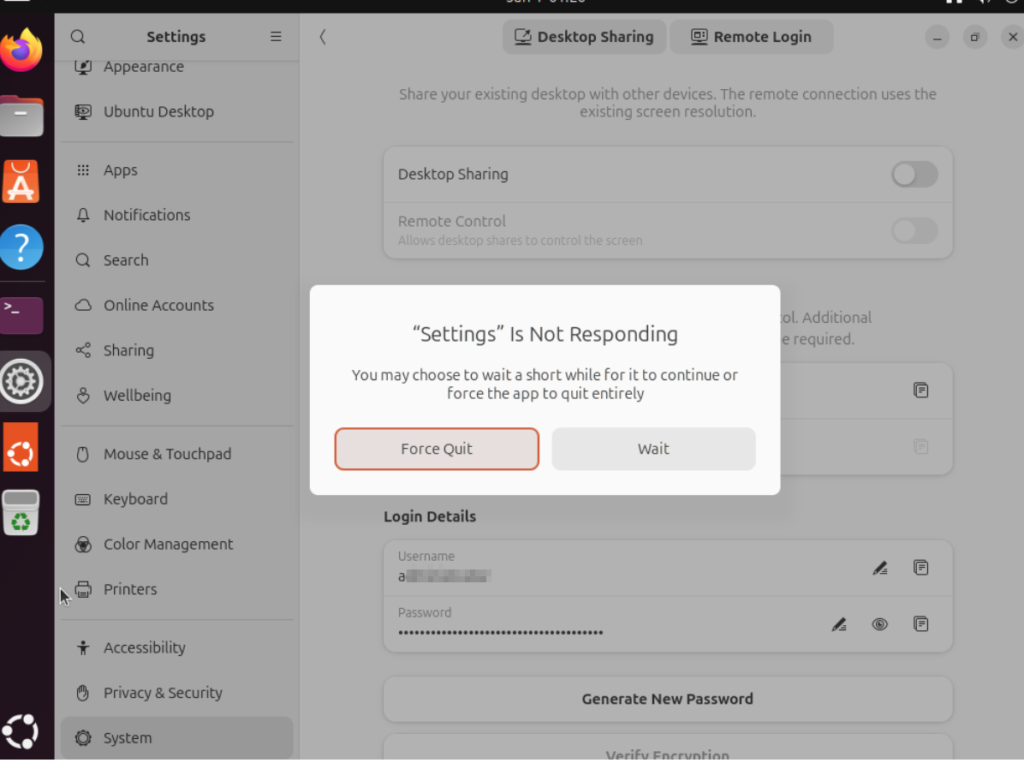
Turns out it works fine after rebooting again. I installed this over and over and realize it’s always the first boot that’d freeze the Remote Desktop settings.
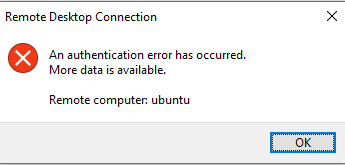
Cryptic error message for failed Remote Login
Even if you entered the wrong username, you’ll be greeted with this confusing message.
Username and Password changes are glitchy
Changing usernames and password in the Remote Login dialog box does not always immediately take effect. I had to disable and re-enable Remote Login at the top of the settings->system->remote login tab for the change to take effect.
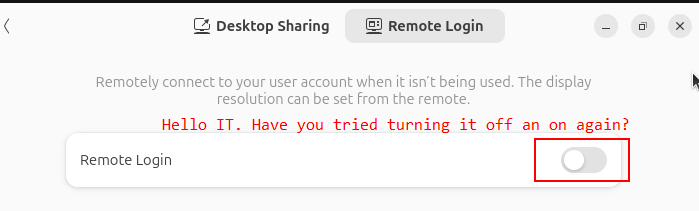
It’s confusing when combined with the cryptic error message above.
Watch out for case sensitive login name for RDP
Windows’ username is not case sensitive but the RDP implementation on GNOME 49 is case sensitive!
If you entered a “User name” in the first tab of the native RDP client (mstsc) that happens to match any of your Windows account (regardless of case since Windows don’t care about capitalization in user names),
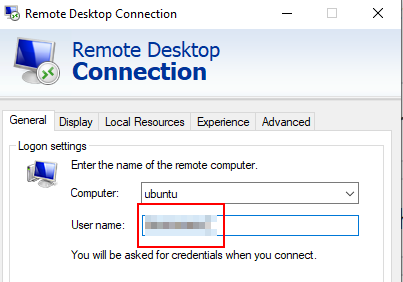
it will pull out your Windows account showing the capitalization stored in Windows
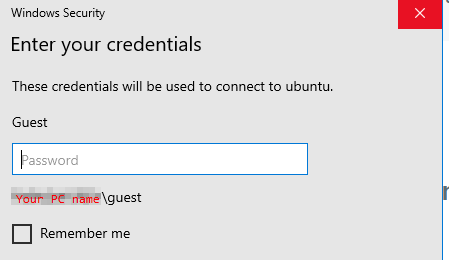
But this is where this gets really fucked up (is so misleading that it’s a user trap): under the hood it’s your “User name” with the exact capitalization typed in the first tab that gets passed to GNOME’s Remote Login, not what the “Windows Security” dialog box showed you when you entered the password!
Inconsistent Login Detail defaults between Remote Login and Desktop Sharing
Desktop Sharing and Remote Login are esentially the same thing in terms of users interface, differing only in the port number and whether it reuses an existing screen or start a new graphical login.
Nonetheless the Login Details for Desktop sharing pre-enters the current session’s username and a prefilled password that’s prefilled
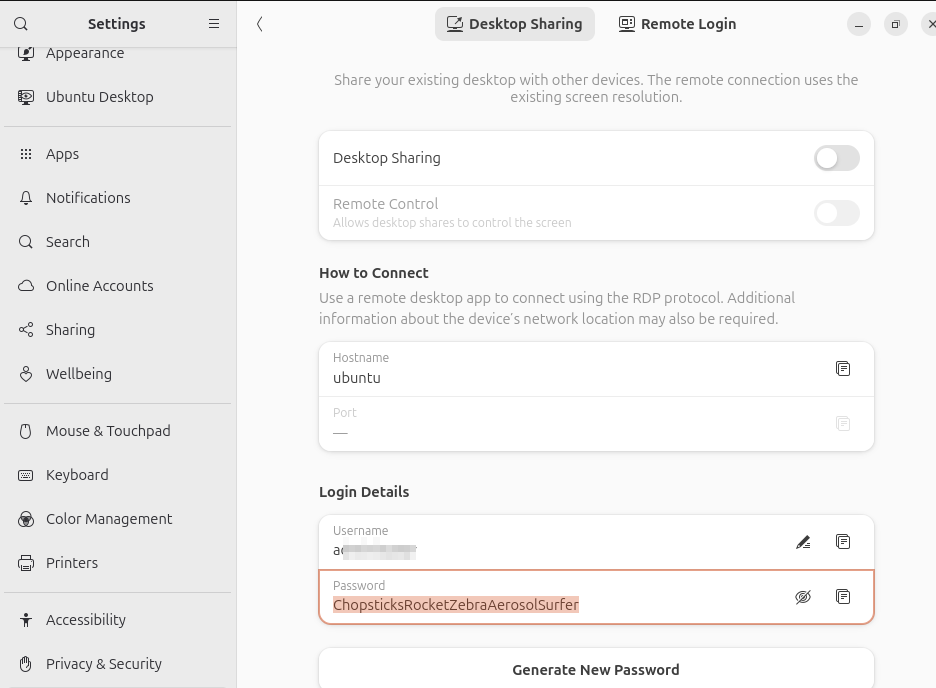
while Remote Login prefills nothing.
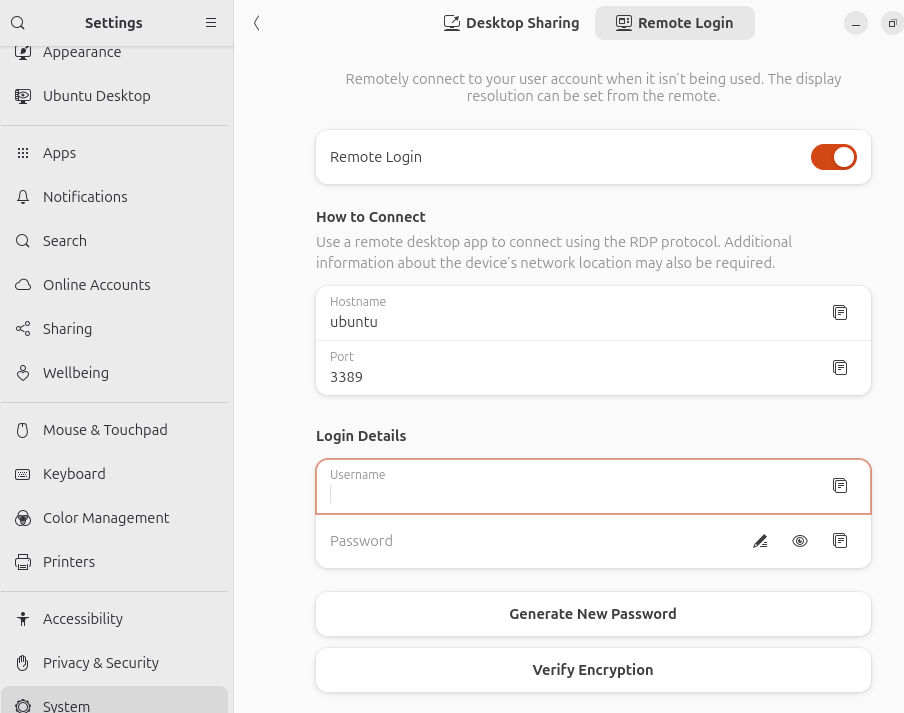
It’s not like what’s pre-entered in Desktop Sharing is tied to Linux’s system user account (login and password pair) anyway so why do it for one (Desktop Sharing) but not the other (Remote Login)? This really looked unpolished.
Text RDP file changes needed to securely connect to GNOME’s remote desktop
The native Remote Desktop (mstsc)’s graphical user interface do not contain the option to enable RDSTLS so it has to be written into an .rdp file then either loaded or executed. You will get this warning message if you use the entries from mstsc’s GUI alone to make the connection:
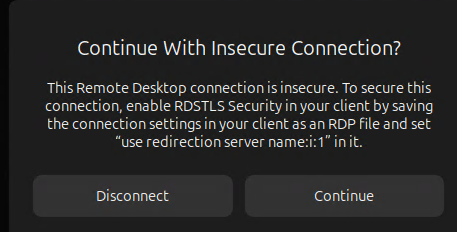
Add this line to the RDP file as instructed
use redirection server name:i:1 