Debian 13’s lightdm does not work out of the box with the default settings when creating a VM in Hyper-V. I got a black screen if I deviated from gdm that only works for GNOME (default), which means no Cinnamon for me.
With the same Hyper-V setup, Cinnamon/Lightdm does not work on Ubuntu 25.10 either.
Turns out lightdm requires the Hyper-V VM created as 2nd Generation, which uses UEFI instead of BIOS. It beats me why gdm is do not need UEFI while lightdm does. Not cool!
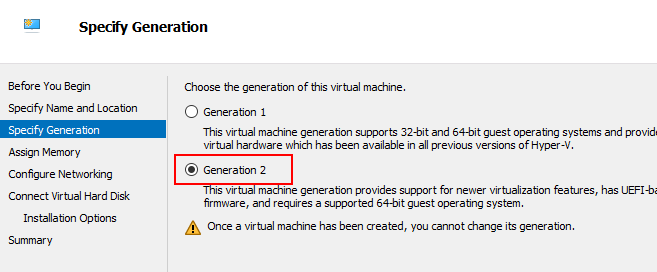
Generation 2 VM is another can of worms. The default secure boot uses the Windows Template. Debian/Ubuntu CD boots with “Microsoft UEFI Certificate Authority” or no Secure Boot (but you’ll still have to make the installed Debian run with Secure Boot later). Windows and “Open Source Shielded VM” templates are no go for Debian/Ubuntu.

If you started the Debian installer CD with Secure Boot disabled, Debian installer will ask if you want to install it as a UEFI enabled OS. You should answer yes and enable secure boot after it finished installing and before rebooting.
